 MacArchive
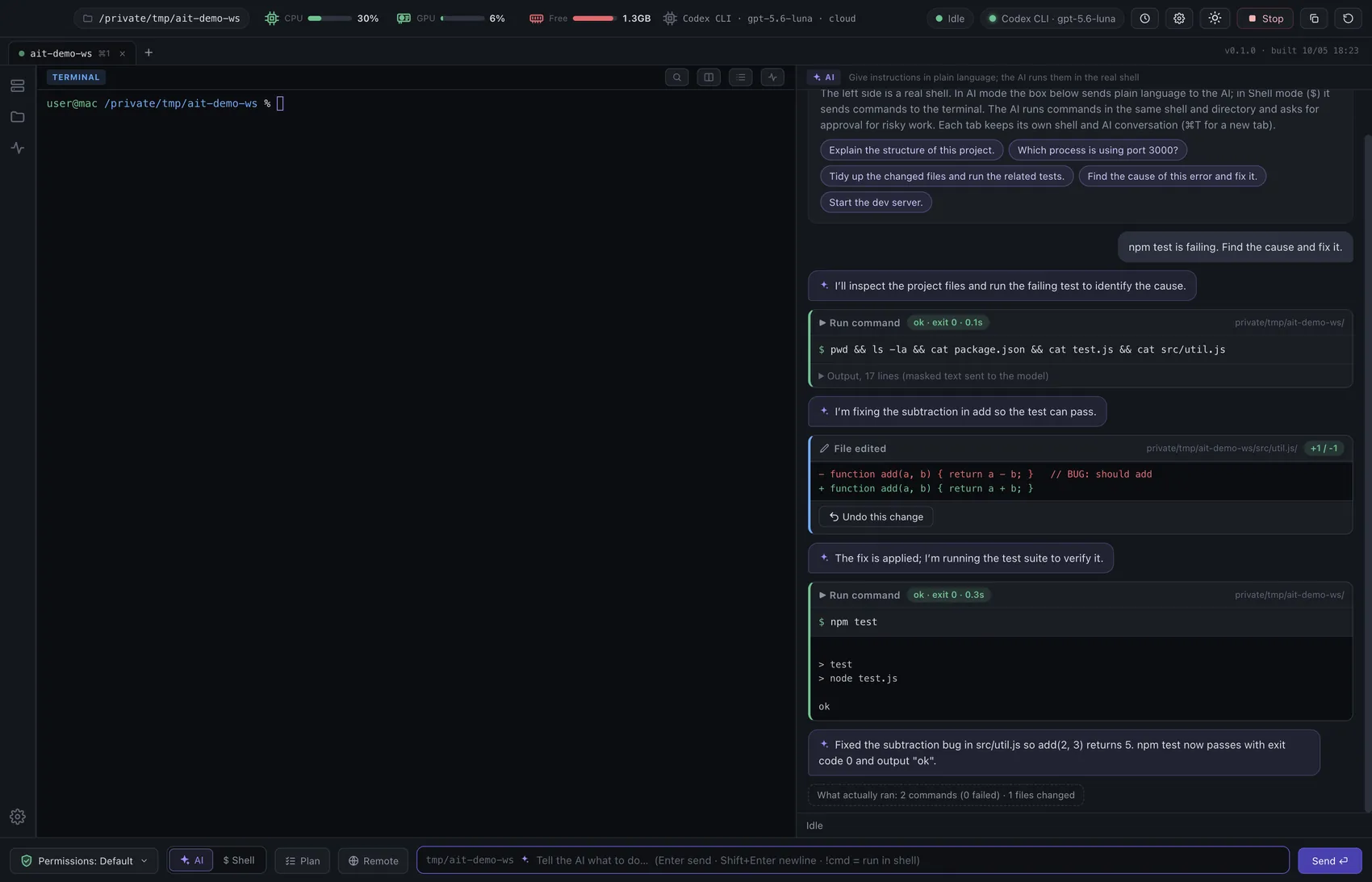
MacAIterm
Terminal · AI agent
A real shell with an AI agent in the same session. Server monitoring, file trees and SSH sessions are built in.
- v1.0.0
- macOS 13+
- MIT license
Apps for macOS
A terminal with a built-in AI agent, CAD that now works on the Mac, a notes app and a paint app.MacAIterm and NotePadX are open source. MacCAD is free to try for 15 days. Every app is one DMG download below.
Products
Each one does its job well and runs natively on your Mac.
A real shell with an AI agent in the same session. Server monitoring, file trees and SSH sessions are built in.
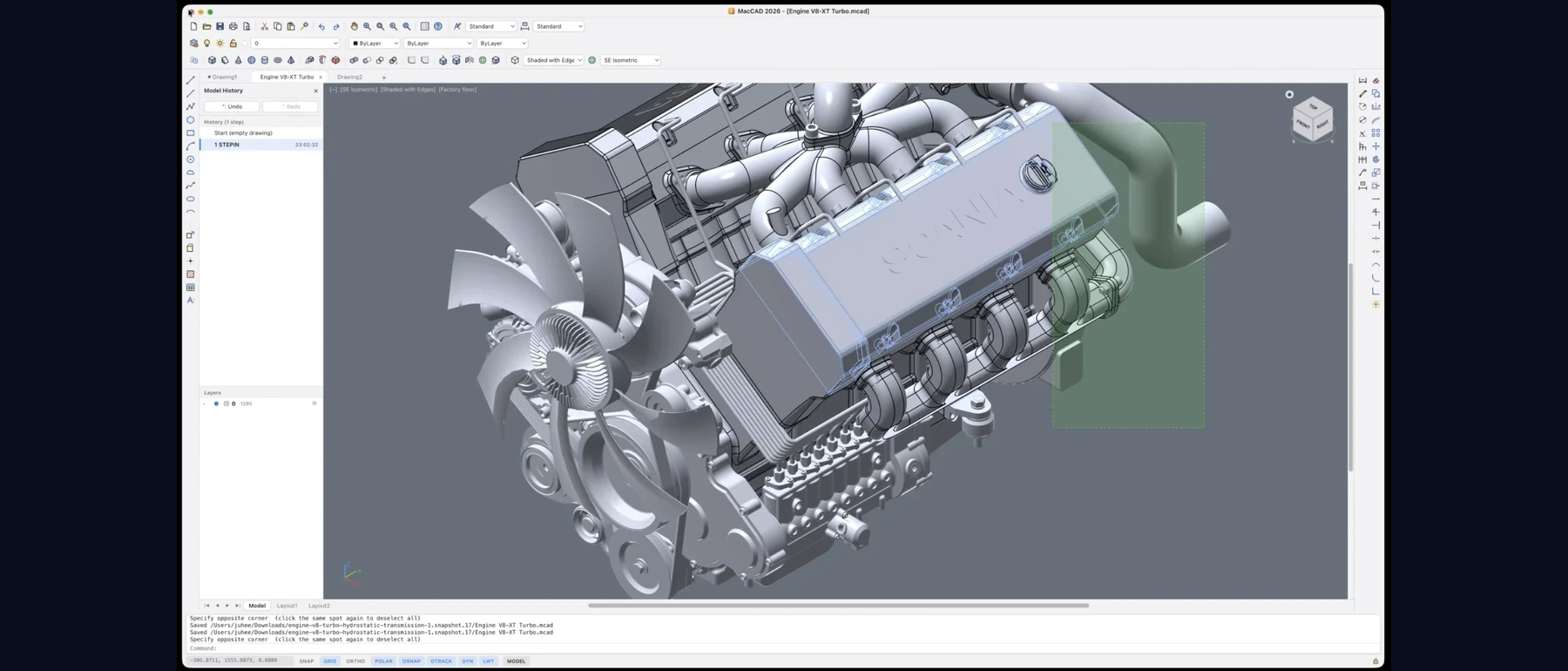
AutoCAD-style drafting, DWG and DXF, real 3D solids and scenes. CAD, now on your Mac.

A notes app for the Mac: rich text and code, folders and tags, split editing and an optional AI writing helper.

One window for raster and vector: a PNG editor with layers and filters, and an SVG editor in the style of Illustrator.
MacAIterm · Terminal with an AI agent
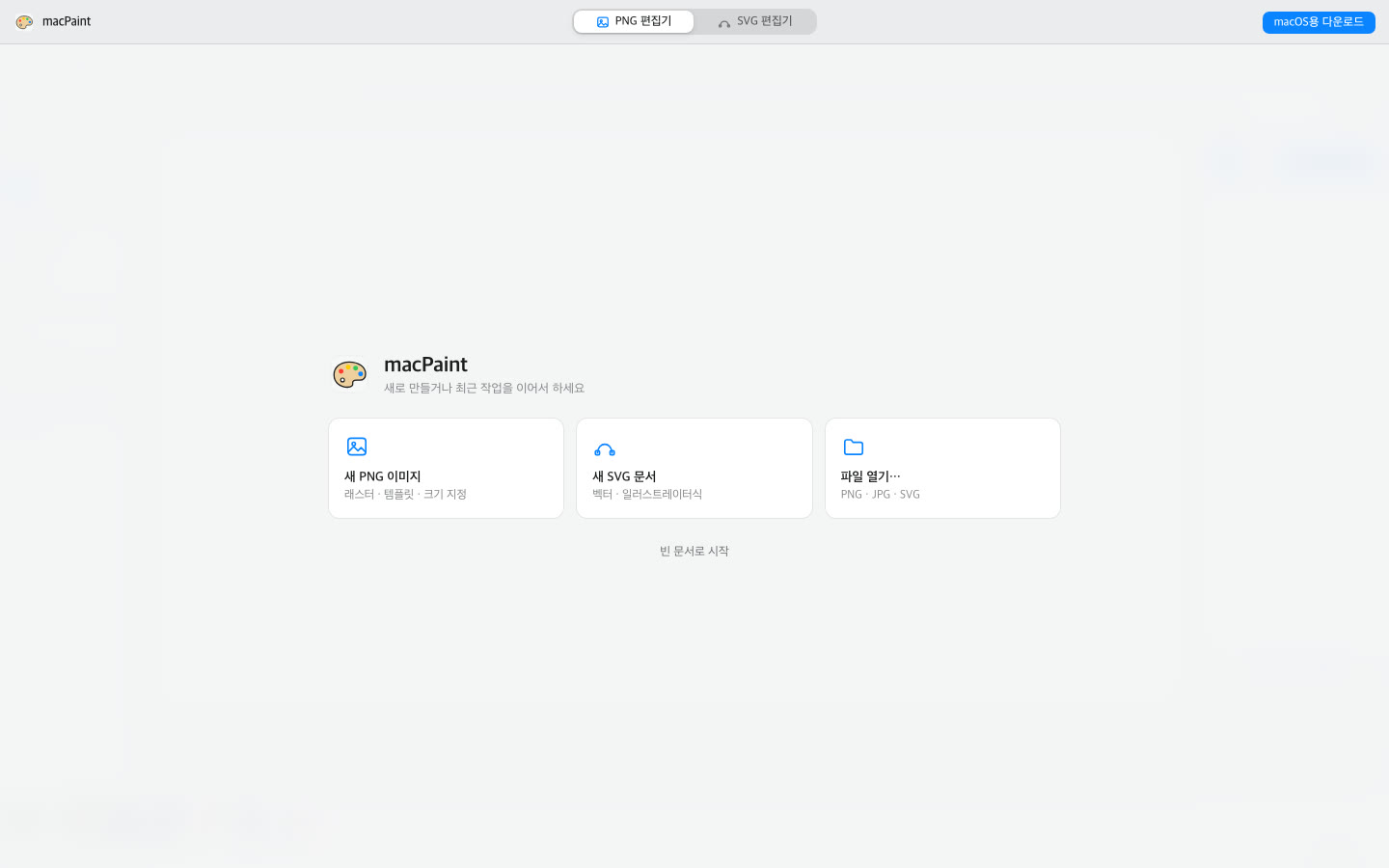
MacAIterm keeps your zsh session at the center and adds an AI agent that works in the same session and directory. Risky commands wait for your approval, and every change is shown as a diff you can undo.
MacCAD 2027 · 2D and 3D CAD
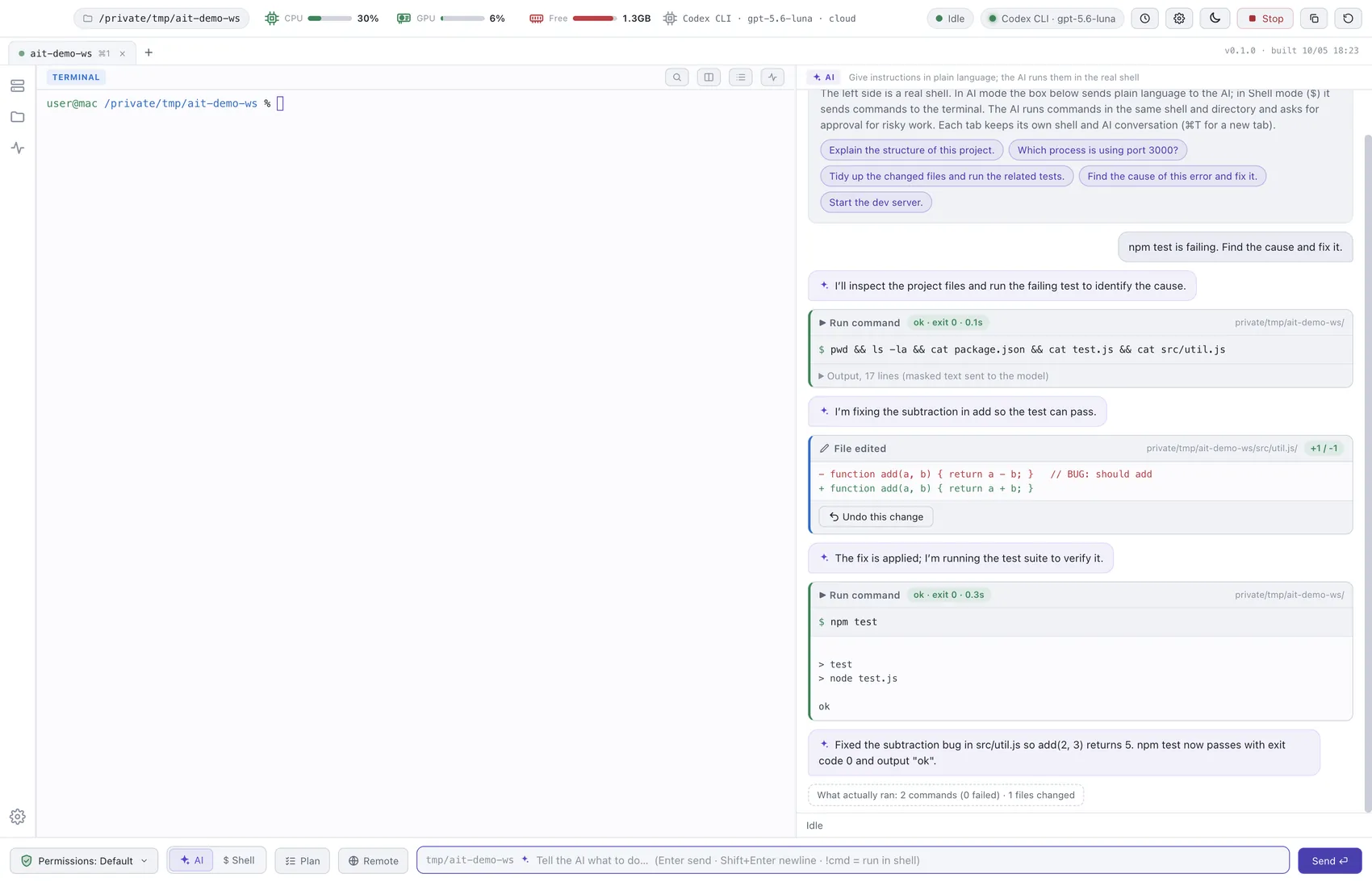
MacCAD brings AutoCAD-style drafting to macOS: the command line, aliases and shortcuts you already know, DXF and DWG, real 3D solids, and a Studio for scenes and materials.
Built on open-source parts: Electron (app shell), OpenCascade and replicad (3D kernel), LibreDWG (DWG), pdf.js (PDF) and polygon-clipping (2D regions). The rest of the engine is built in-house.
NotePadX · Notes for the Mac
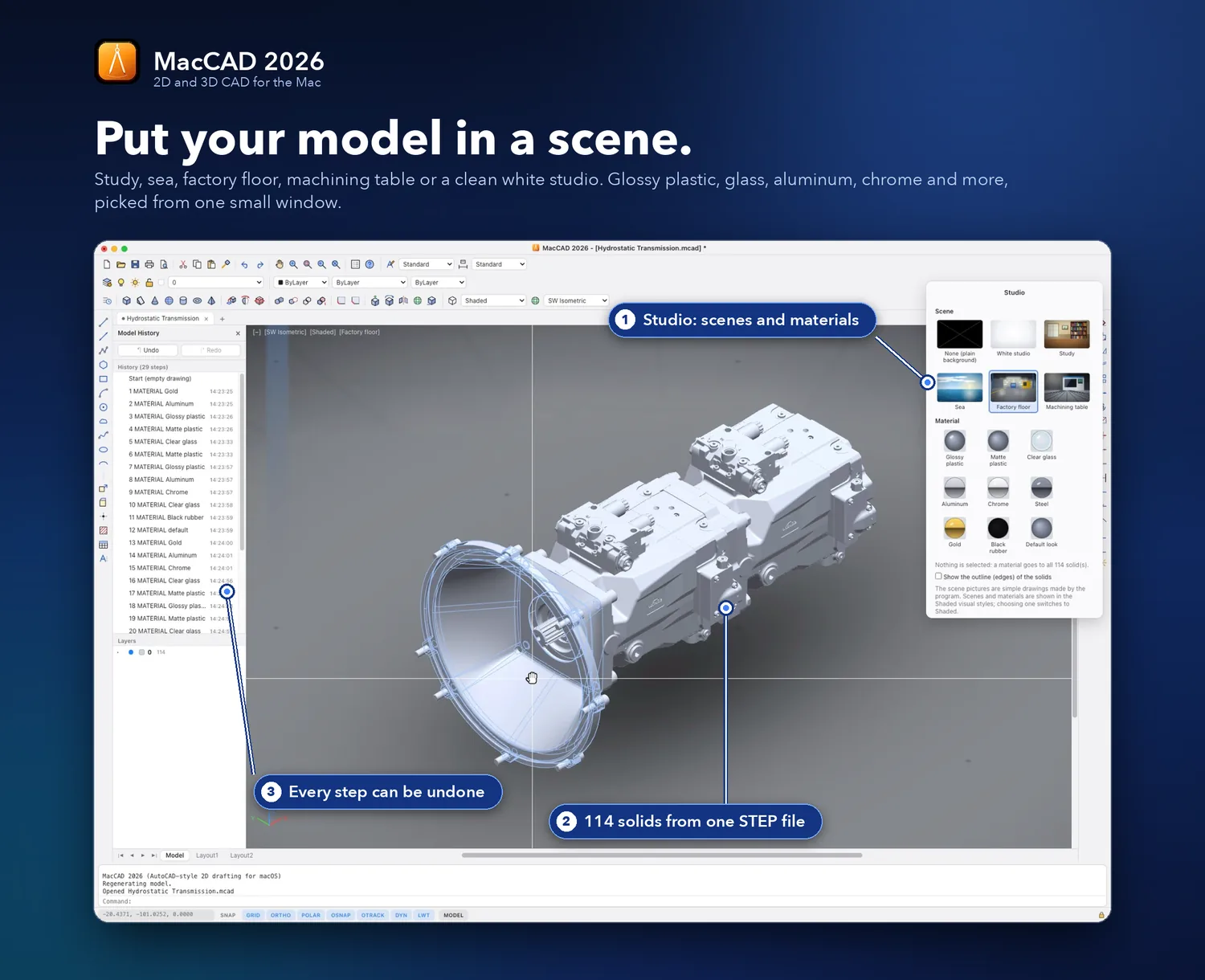
NotePadX is a notes app for macOS with a rich text and code editor, hierarchical folders and tags, full-text search and an optional AI writing helper. The source code is open on GitHub.
The app is not notarised by Apple. If macOS blocks the first launch, open System Settings → Privacy & Security and choose "Open Anyway".
macPaint · PNG and SVG editor
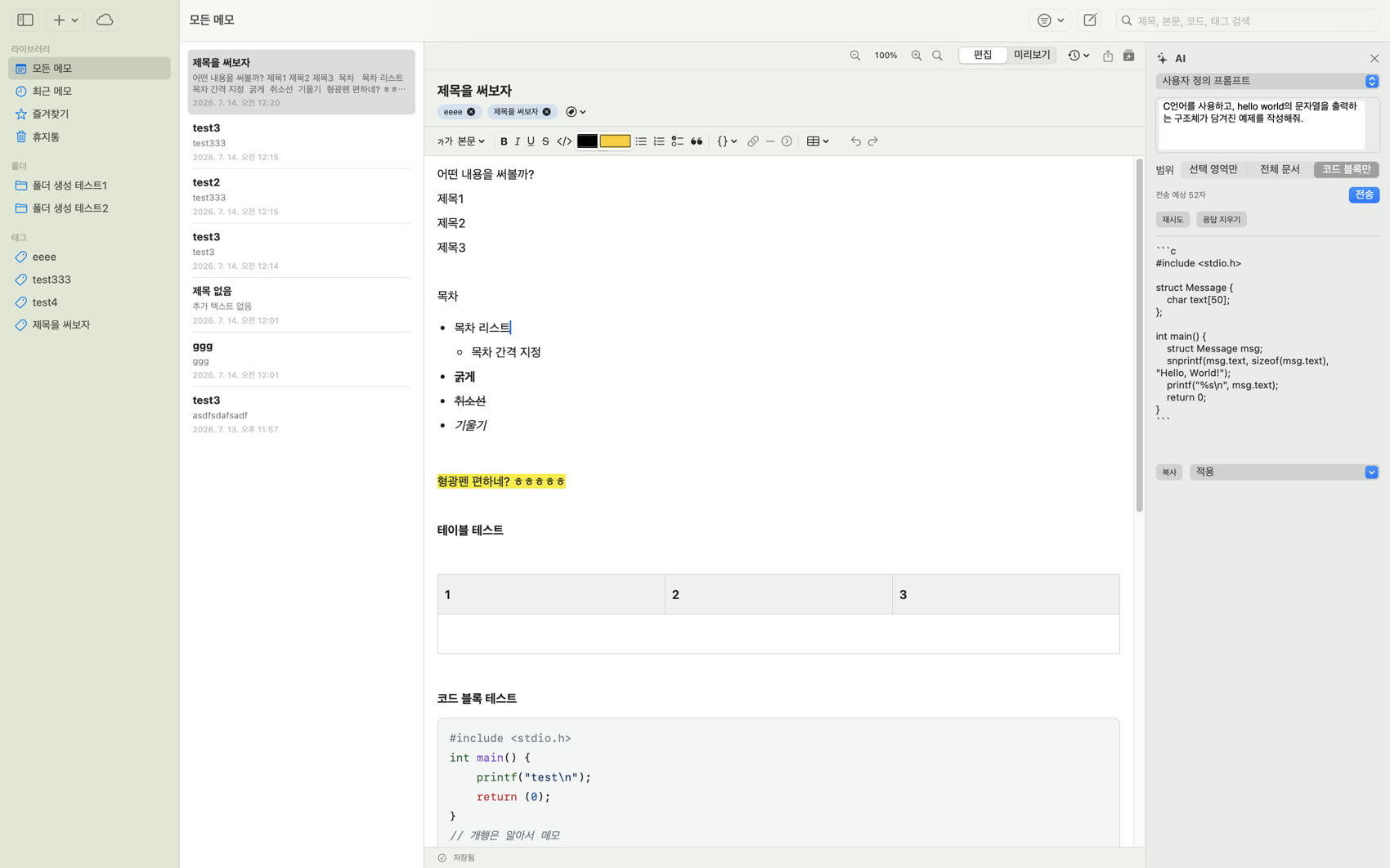
macPaint puts a raster PNG editor and a vector SVG editor in a single Mac window, with several documents open as tabs. It works without a server or any online service.
The app is signed ad hoc. The first time, right-click macPaint and choose Open.
Principles
The same few rules for every app.
Apple silicon builds with the menu bar, keyboard shortcuts and Retina drawing you expect from a Mac app.
The source of MacAIterm and NotePadX is open on GitHub. The source of MacCAD and macPaint is not published. MacCAD is free to try for 15 days; ask by email about a licence after that.
| MacAIterm | MacCAD 2027 | NotePadX | macPaint | |
|---|---|---|---|---|
| What it is | Terminal with an AI agent | 2D and 3D CAD | Notes | PNG and SVG editor |
| Version | 1.0.0 | 1.0.0 | 1.0.0 | 1.0.0 |
| Requires | macOS 13+, Apple silicon | macOS 11+, Apple silicon | macOS 14+ | macOS, Apple silicon and Intel |
| Source code | Open (GitHub) | Not published | Open (GitHub) | Not published |
| Download | about 131 MB | about 445 MB | about 5.7 MB | about 0.6 MB |
| Price | Free | 15-day trial, then ask by email | Free | Free to download |
Contact
Questions, bug reports, ideas and MacCAD licence enquiries go straight to the developer. MacAIterm and NotePadX also take issues on GitHub.
[email protected]